SLQ Mobile

APP-BASED CALL FORWARD SYSTEM FOR ANDROID DEVICES

Tensator SLQ Mobile brings electronic queuing into its simplest form – a downloadable app that controls a manual call forward system.

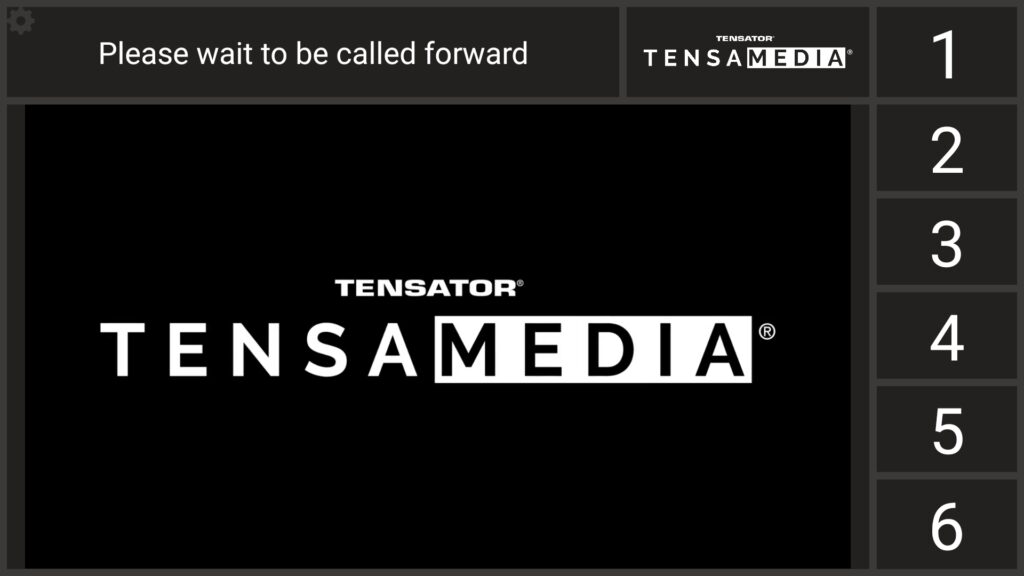
SLQ mobile will work on any Android device, and is designed to be cast to any standard TV screen, which acts as the “head of queue”.

Up to 6 users can download the app on individual devices and press the call forward buttons on their own device to call forward to their individual positions.

The app also allows the admin user to manage media that is played on the screen. This admin can generate their own media and play it on the head of the queue screen.


single line queue call forward
manage queues

BENEFITS OF AN APP-BASED CALL FORWARD QUEUING SYSTEM

Lower cost

More cost effective than conventional call forward systems as there is no setup fee or on-site visits required.

Self-sufficient

No technical installation or maintenance required you can manage your own call forward system from your own device.

Customisable media

The app is fully customisable in terms of wait message, call message, giving the user a choice of numbers or consecutive letters for positions, as well as different audio options.

Easy media management

You can manage all of your call forward media from inside the app. You can simply place the media on your android device and use the app to play this. The media will then be played on the head of queue when no queue calls are happening.

Customisable head of queue (presentation screen) layout

The head of queue screen (presentation screen) has several layouts to choose from. Some favour the operational aspect (big wait message, big call forward message and numbers), while others favour advertising media, by having a large media area, and relatively small wait and call message areas.

Simple pricing

Subscription-based pricing means that you don’t have any big one-off fees to pay and instead you can pay every 6 or 12 months for your subscription.

customer flow management

HOW DOES SLQ MOBILE WORK?

SLQ mobile will work on any Android device, and can be cast to any standard TV screen, which acts as the “head of queue”.

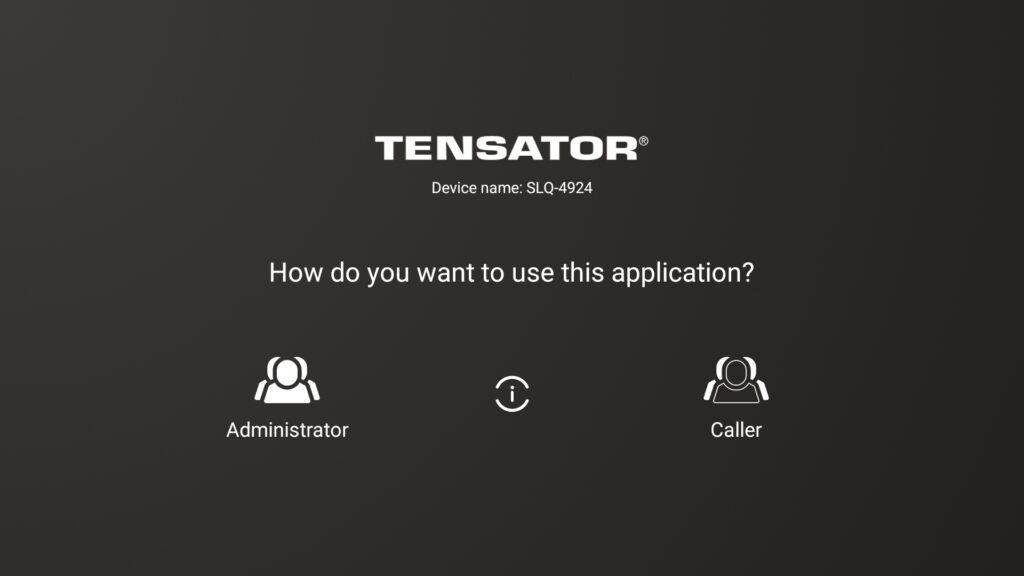
The app works by pairing caller devices with an administrator device which holds the subscription.

Once you purchase the subscription and register your admin device then all you have to do is download the app onto any additional caller devices (up to 6) and activate pairing mode. Once you pair the caller device with the admin device then they are available straight away to start calling customers forward to their position.

queue management

HOW TO GET STARTED

1. Download the app from the Google Play Store

Head over to the Google Play Store to download the SLQ Mobile app for free.

electronic queuing app
2. Register for SLQ mobile via the app

Once you have the app downloaded on your device, register for a new account.

When you open up the app for the first time click on 'register' and enter your details.

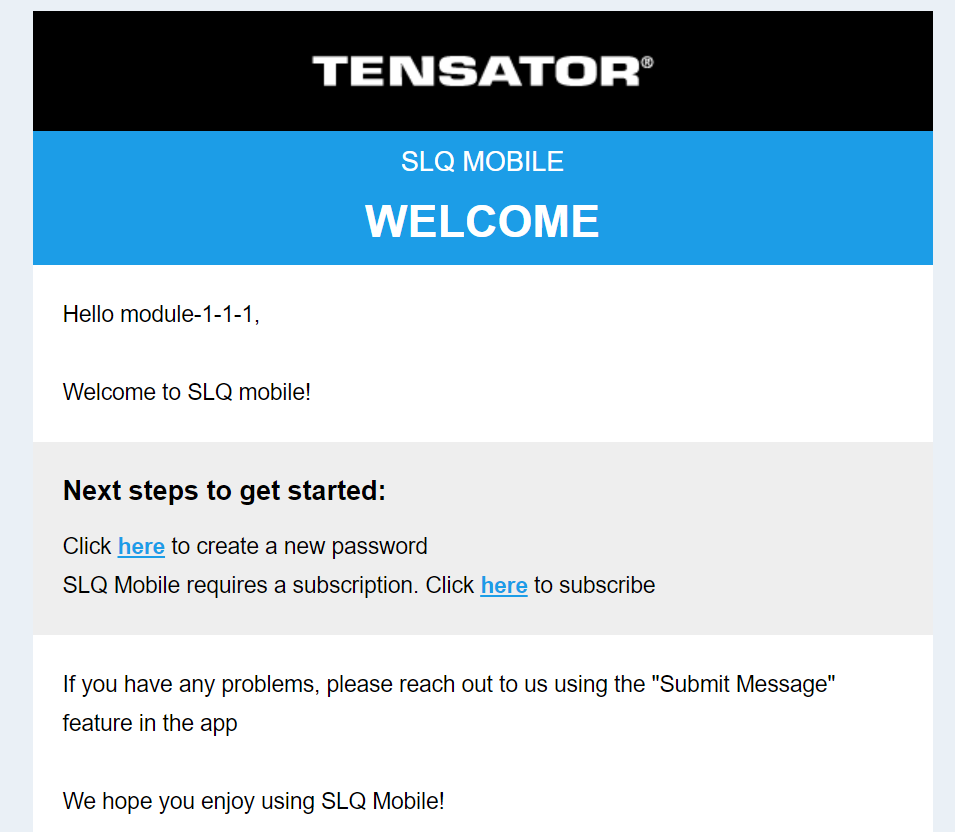
3. Follow the email instructions to set your password

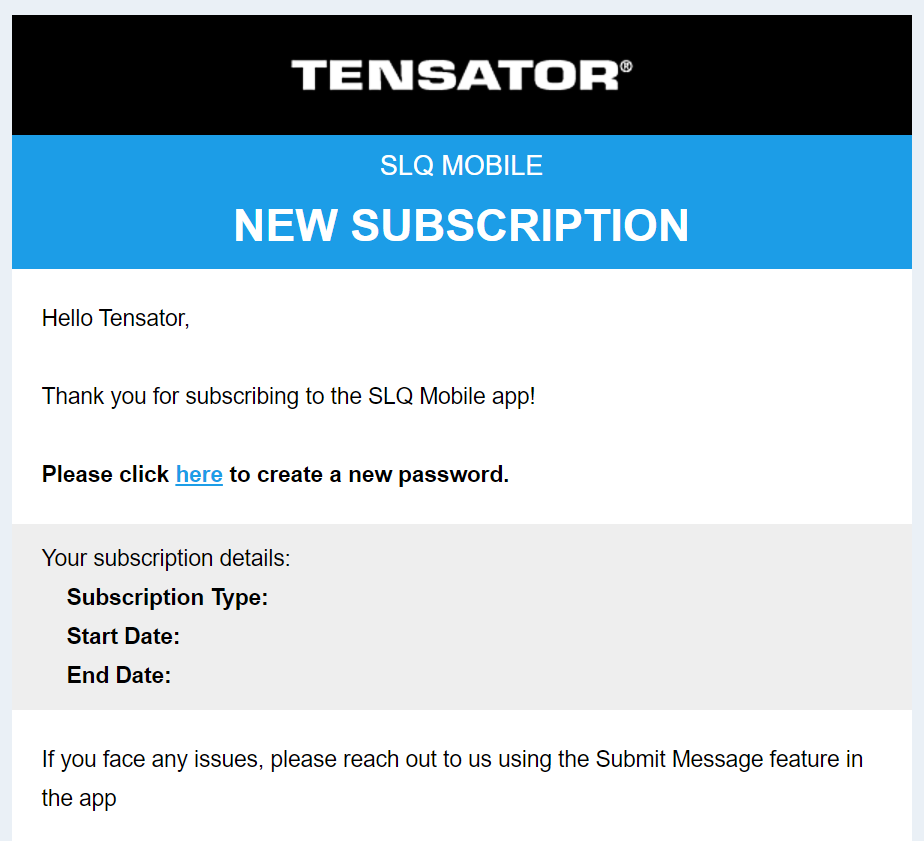
Once you have registered for the app you will receive an email with instructions on what to do next.

  1. Create a new password for your account.
  2. Purchase a subscription.
call forward system queues
4. Purchase your subscription

Go to the Tensator Shop to purchase your SLQ mobile subscription to start using the App.

5. Your account will be activated and you will be notified

Once you purchase your subscription your account will be automatically activated and you will receive an email notification.

call forward system
6. You are ready to start using your SLQ Mobile app

You can now start using the SLQ Mobile App!

automatic call forward queuing system
customer flow management

SLQ Mobile Pricing

SLQ MOBILE YEARLY SUBSCRIPTION
yearly
£160
Get access to all of the SLQ mobile features with this yearly subscription
Add your own advertising media playlist
Personalise call wait and call forward messaging
Choose between 6 voice sounds
Choose between 5 head of queue screen layouts
Use app as an administrator or a caller
Add up to 6 callers devices to be paired with the main admin subscription device
DOWNLOAD THE APP
SLQ MOBILE MONTHLY SUBSCRIPTION
monthly
£20
Get access to all of the SLQ mobile features with this yearly subscription
Add your own advertising media playlist
Personalise call wait and call forward messaging
Choose between 6 voice sounds
Choose between 5 head of queue screen layouts
Use app as an administrator or a caller
Add up to 6 callers devices to be paired with the main admin subscription device
DOWNLOAD THE APP
queue management

FAQ’s

What equipment do you need?

You will need an android device (mobile or tablet) to download and use the app and will need a head of queue screen to show the call forward message, this could be a TV or tablet.

How many callers can you have with SLQ mobile?

A maximum of 6 caller devices can be paired to the main admin device, which holds the SLQ mobile subscription.

customer flow management

HOW TO VIDEOS

queue management solutions

Tensator and MODI Vision Join Forces to Optimise Passenger Flow

Madrid, April 8, 2025 – MODI Vision, a leading manufacturer of facial recognition technologies, today announced a strategic partnership with Tensator, the renowned inventor of the original retractable queue barrier, Tensabarrier, which is sold all over the world. The goal of this collaboration is to optimise passenger flow at airports, ports, and other high-traffic areas. […]

Read more
queue management solutions

5 Tips To Manage People Queuing Outdoors

Why is preparing for people queuing outdoors important? Managing people queuing outdoors can be a challenge for any business. Especially when there are large crowds. If visitors are queuing for an event in busy venues, or waiting in line to go on a ride at a crowded theme park, managing your queue is crucial to […]

Read more
queuing barriers